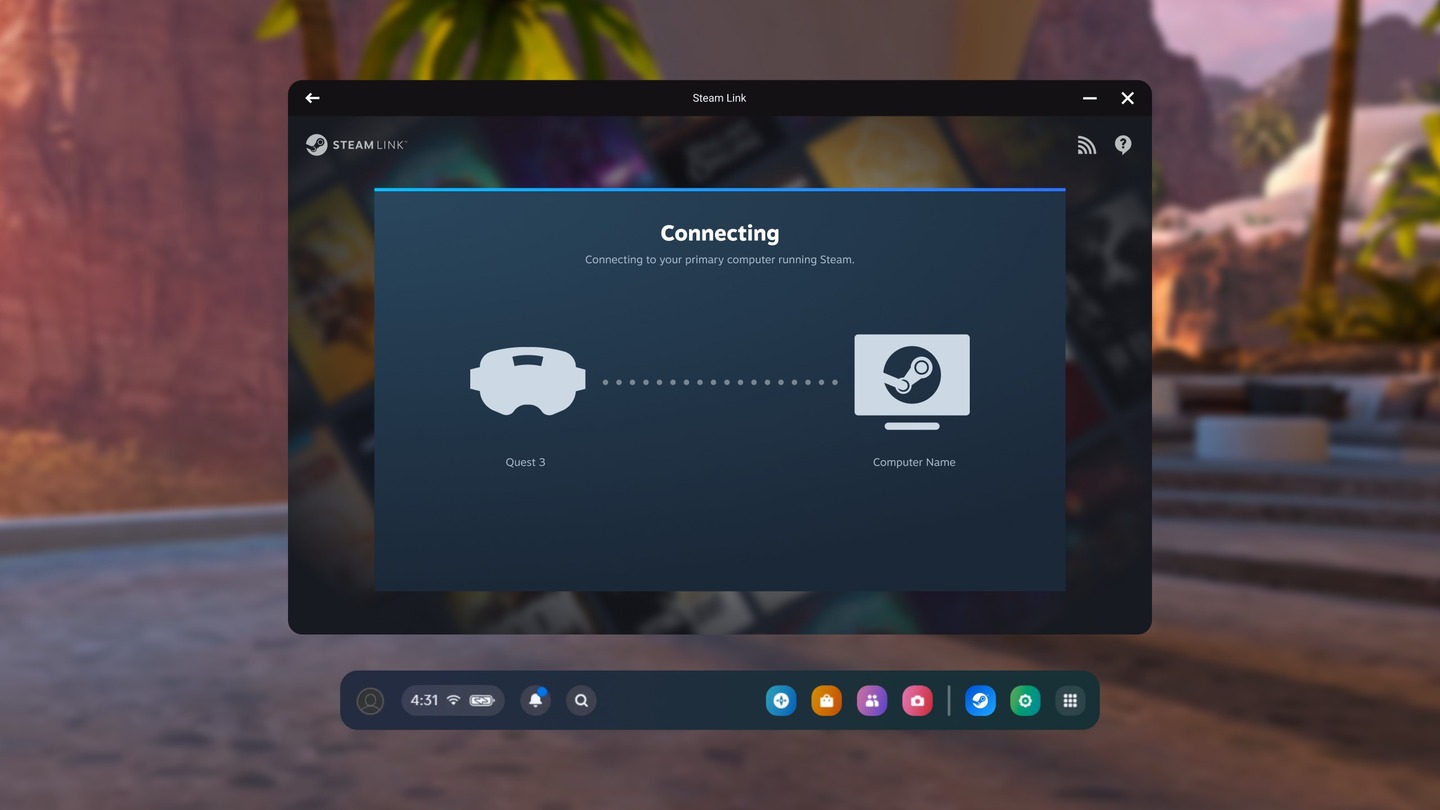
Valve has pushed an update to the Steam Link PC VR streaming app on Quest that finally includes the ability to play games via wired connection.
As first spotted by data miner and serial leaker ‘Luna’ (via UploadVR), Valve’s Steam Link app for Quest rolled out its 2.17.8 public beta update, finally bringing support for wired USB streaming.
Here’s the full patch notes:
- Adds initial support for USB streaming.
- USB streaming can be used without WiFi by opting into the Steam Client Beta.
- Fix loading spinner flickering when framerate in game is low.
- Fix case where wrong framerates could show in SteamVR Settings.
- Latency improvements.
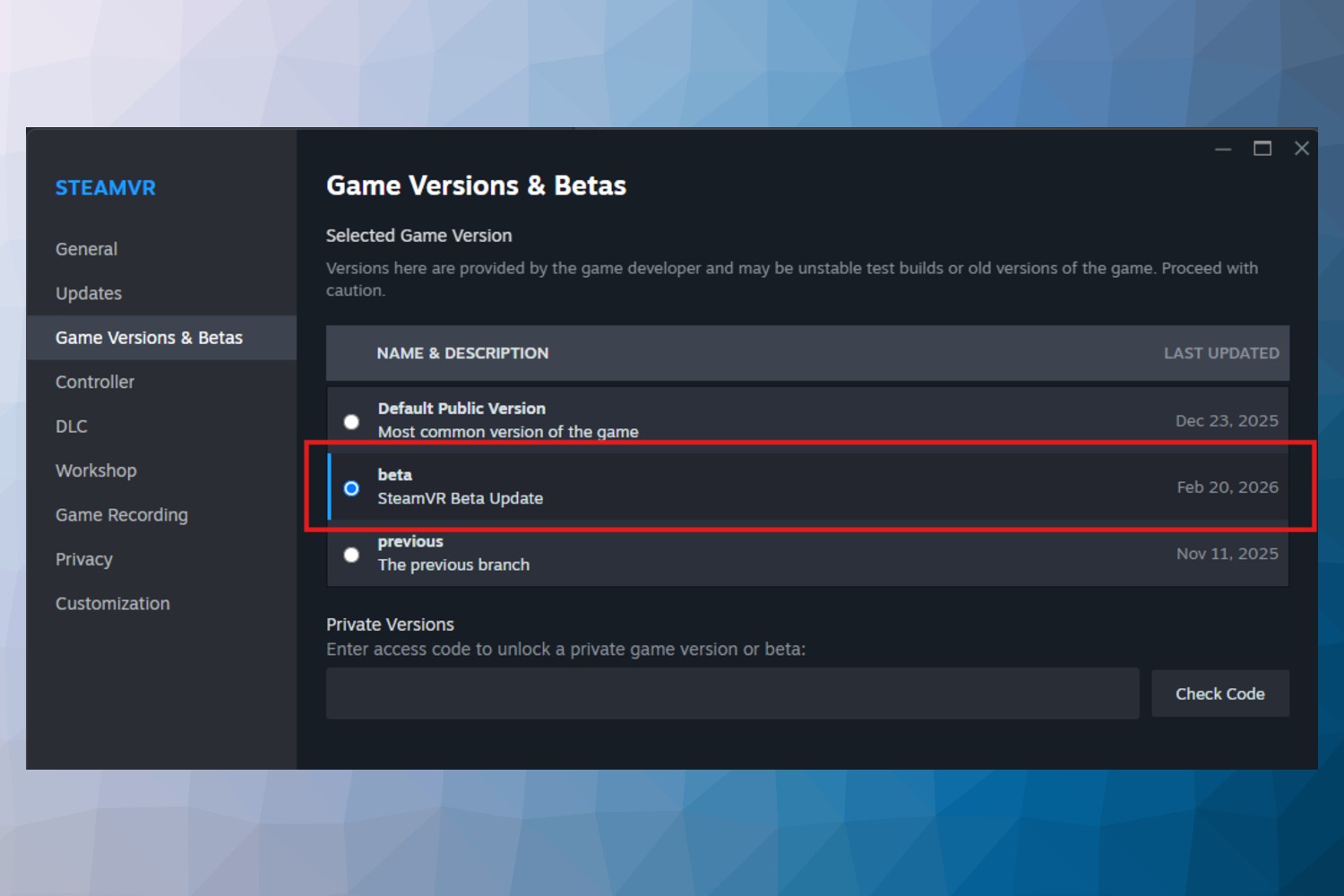
To access the feature, you’ll need to: subscribe to the public beta on the Horizon Store for Quest, opt into the SteamVR beta branch, and opt into the Steam Client Beta.
To select the SteamVR beta branch, open your Steam library, right click SteamVR, select Properties in the context menu. Select the Game Versions & Betas tab on the left. Select Beta – SteamVR Beta Update and choose the beta option, as seen below.
Opting into the Steam Client Beta is also simple, requiring you to click on Steam in the upper left of the main menu, choose the Settings menu. On the Interface tab under Client Beta Participation, select the dropdown menu. Select the Steam Beta Update from the drop down list and then restart Steam.
Valve hasn’t specified exactly what sort of USB-C cable you should use, however our best bet is to follow Meta’s lead: link cables should be USB 3.0 or greater, and users should look for cables no shorter than five meters (~16.5 ft) for comfort. You can find plenty that fit the bill over on Amazon for as cheap as $17.
This comes as Meta is looking to go toe-to-toe with Steam Frame, which is rapidly nearing its release date and (possibly more important) and price reveal. To boot, over the past weekend Meta released an update for Quest 3 that’s effectively boosted the headset’s refresh rate up to 240Hz, notably much higher than the 144Hz experimental refresh rate promised by Steam Frame.
Notably, the leading VR desktop app Virtual Desktop just got an update that takes advantage of Quest 3’s higher refresh, now supporting up to 144 FPS via PC VR wireless streaming.
PC Minimum Requirements for Steam Link
• A computer running Steam and SteamVR
• Supported OS: Windows 10 or newer
• Computer GPUs: NVIDIA (GTX970 or better)
• Wireless Router: 5GHz Channel, Wi-Fi 5
• Headset: Meta Quest 2, 3, or Pro
Recommended
• Computer Processor: Intel Core i5-4590/AMD FX 8350 equivalent or better
• Computer Memory: 16 GB RAM
• Computer GPUs: NVIDIA (RTX2070 or better), AMD (RX6600 or better)
• Network: Broadband Internet connection
• Wireless Router: Wi-Fi 6 or Wi-Fi 6E
• Computer using wired network connection